Players who log in to the game using a Guest account, Facebook, Google, Apple ID, or other login methods can set up an efun account. Once completed, you will be able to log in to the game at any time using your efun account instead of Guest or other login methods.
Step 1:
After logging into the game with a guest account, players can bind their account through the Bind for Gifts event.
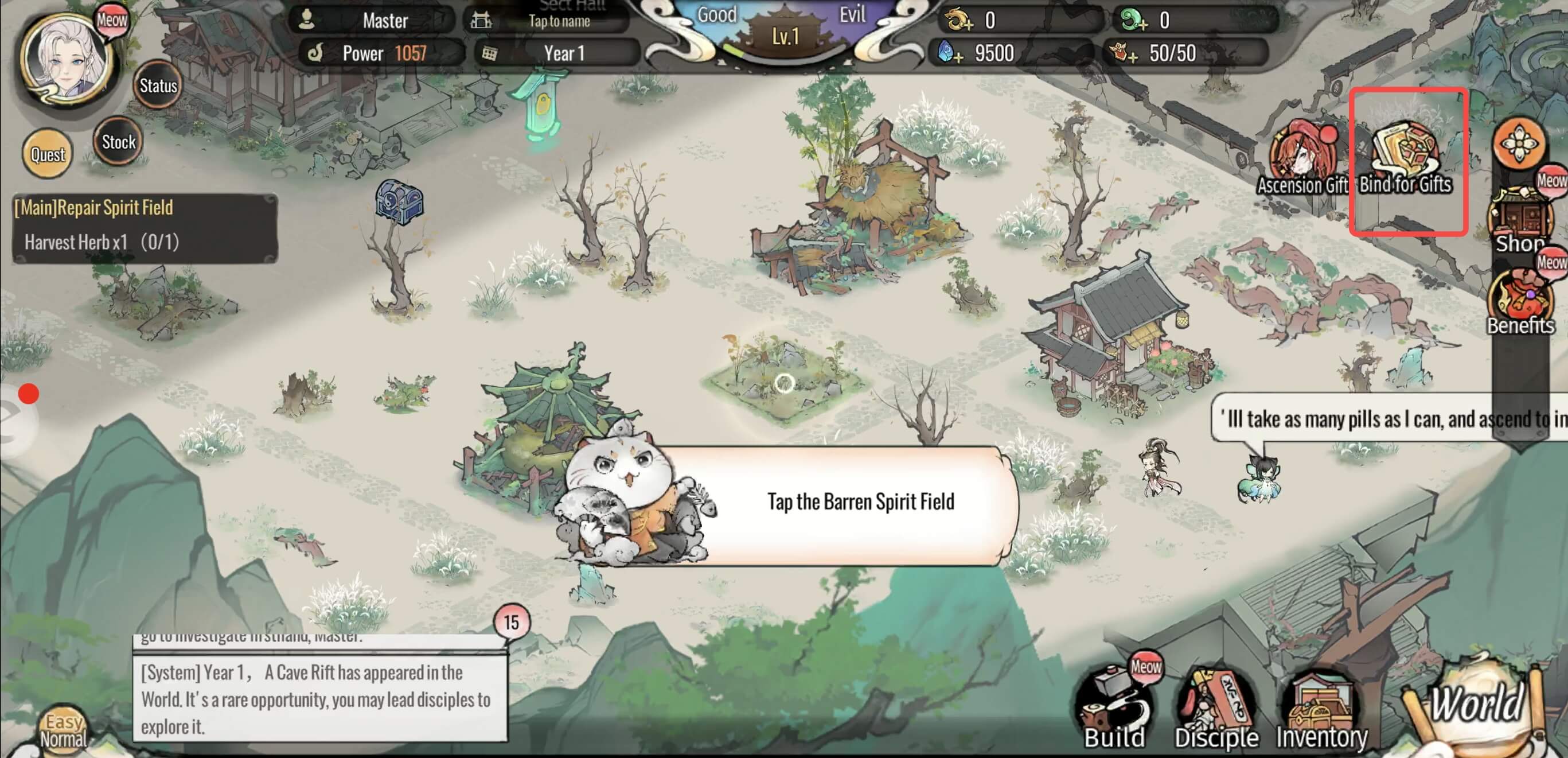
Step 2:
After entering Bind for Gifts, they can choose to bind either a Member Account or another third-party account. The available third-party account options may vary depending on the distribution channel package.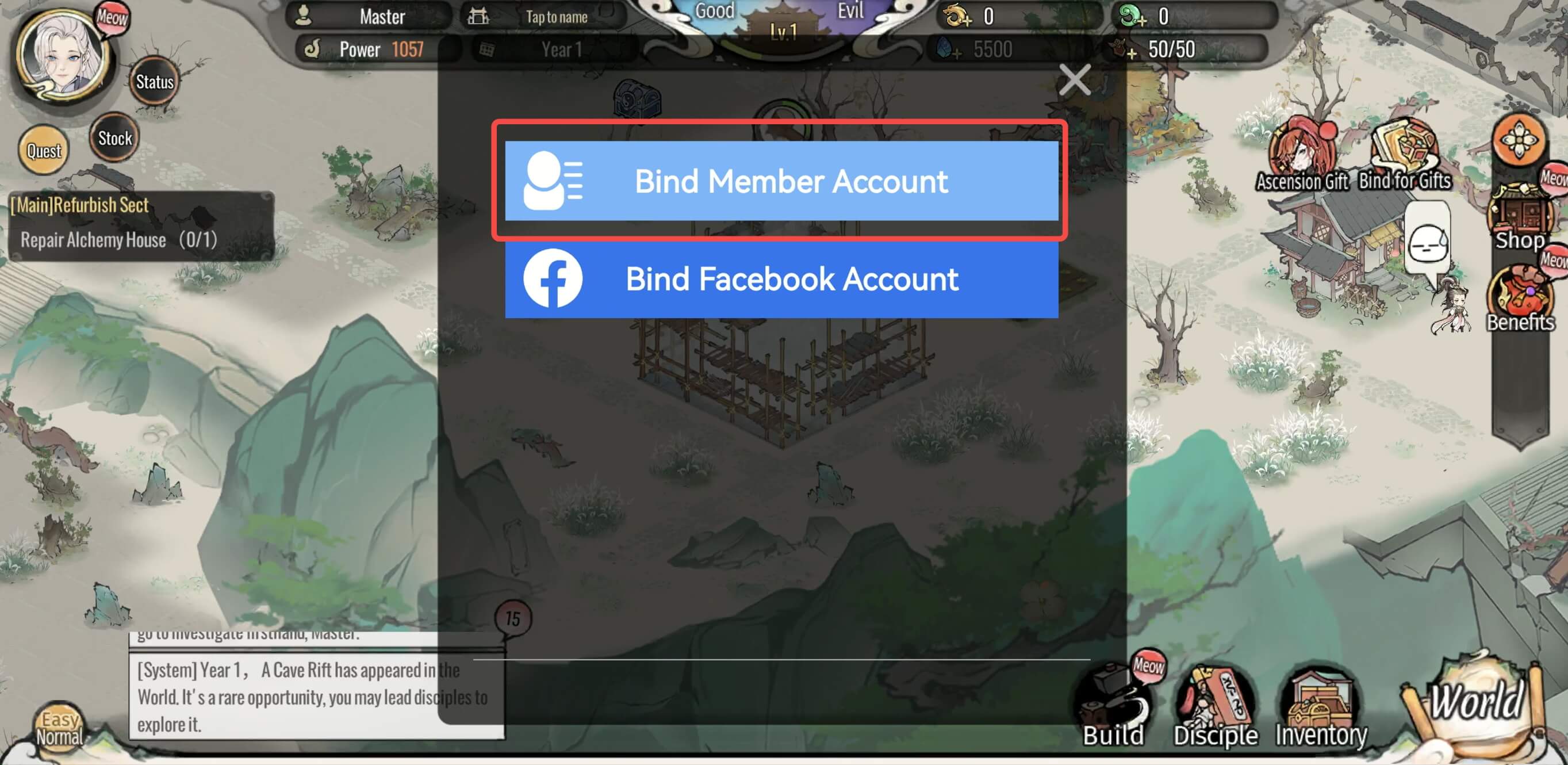 Step 3:
If binding a Member Account, simply tap it and enter the account ID and password to complete the binding.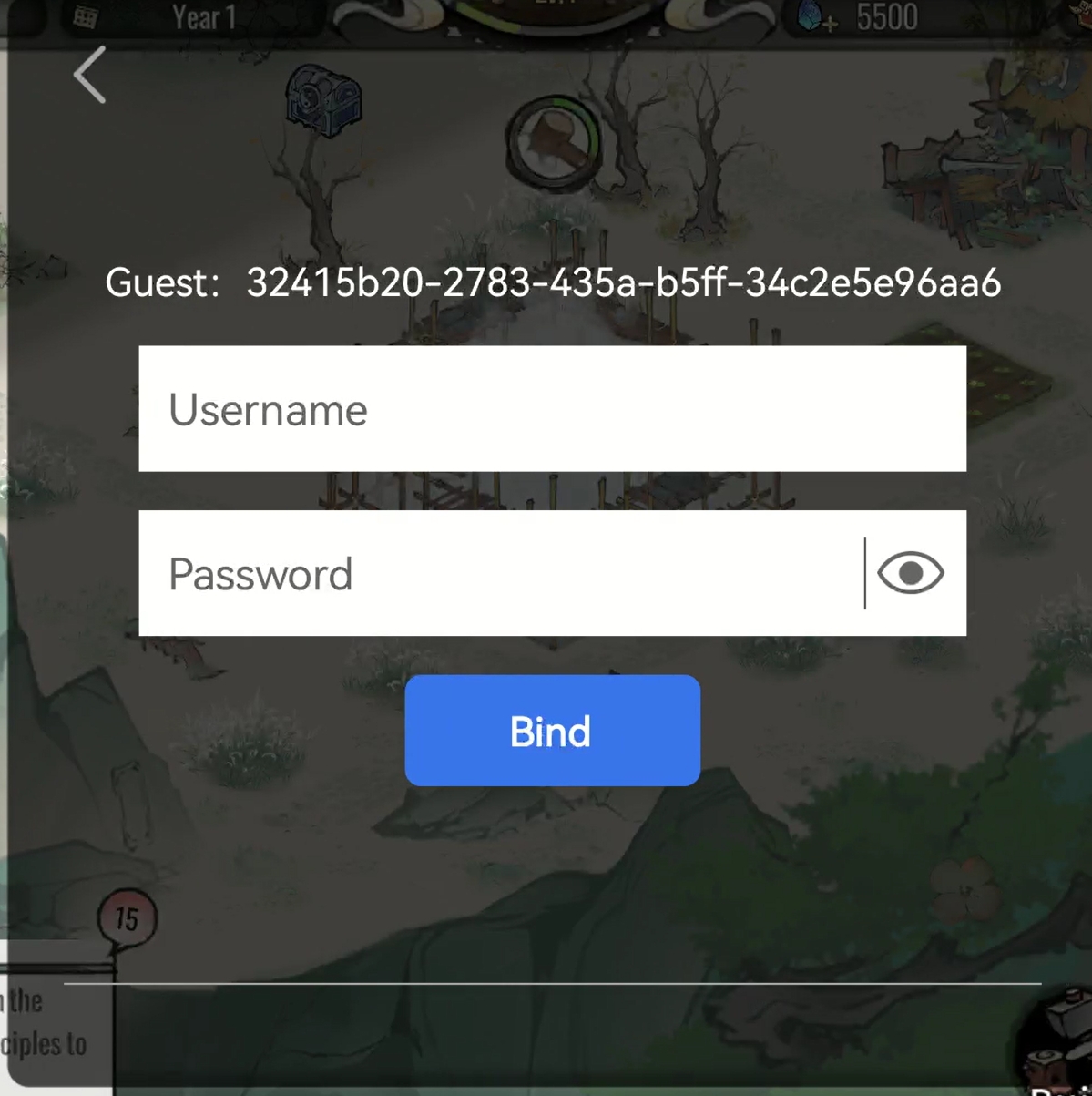 After binding is completed, you can use your efun account and password to log in to the game or the efun game platform.